Automate your social media carousels daily
David designs on-brand carousels inspired by top-performing Pinterest posts and writes captions for X, LinkedIn and Instagram, with no connected apps required.
Making social media carousels every day takes a lot of time: fresh ideas, good design, engaging slides and different captions for every platform. David, a free AI teammate in Mices, does all of it for you, using popular Pinterest carousel designs as inspiration for new, on-brand carousels for your business.
Why design inspiration matters for carousels
Carousels that follow proven, high-performing layouts tend to hold attention better than a design built from scratch each time. David looks at what's actually working on Pinterest for carousel formats, then applies your brand's colors, fonts and voice on top, so the result looks like your brand, not a copy of someone else's post.
What you need
- Your brand name and website
- A logo, optional, no connected apps needed
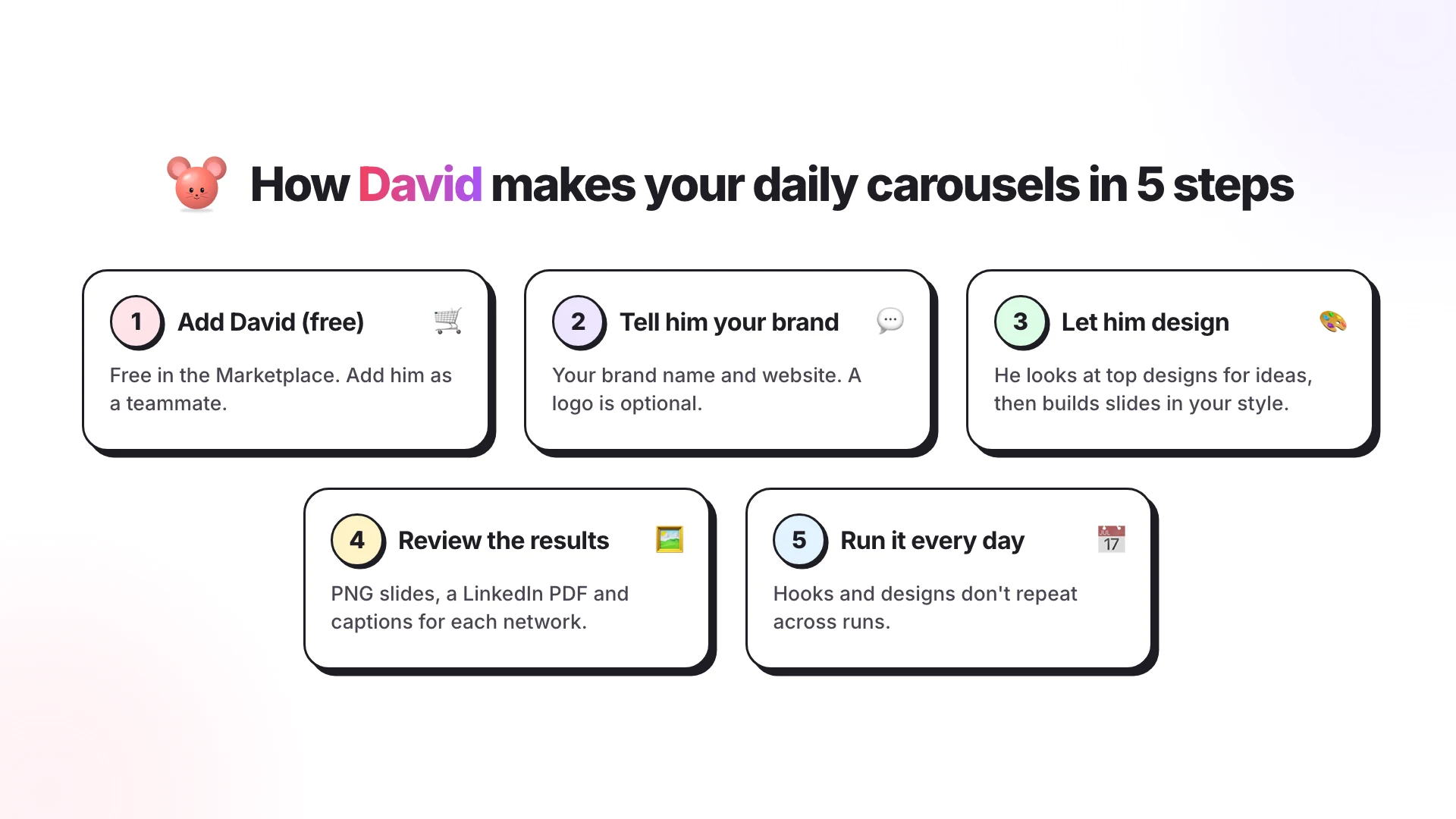
- 1
Add David to your workspace (free)
Find David in the Mices Marketplace and add him as a teammate.
- 2
Tell David your brand
Share your brand name and website. A logo is optional.
- 3
Let David design
He looks at top performing Pinterest designs for inspiration and builds carousels in your brand's style on his own cloud computer.
- 4
Review the results
1080 by 1350 PNG slides, a LinkedIn PDF, and ready to post captions for X, LinkedIn and Instagram, plus alt text.
- 5
Schedule David to run every day
Hooks and designs don't repeat across runs.
Make today's carousels for my brand
Make it run on its own
Schedule David to run every day so new carousels and captions are waiting without you designing anything.
Tips for better results
- Give David a clear brand name and working website link so he has real content to draw from.
- Review a week of carousels before scheduling daily runs, to confirm the style matches your brand.
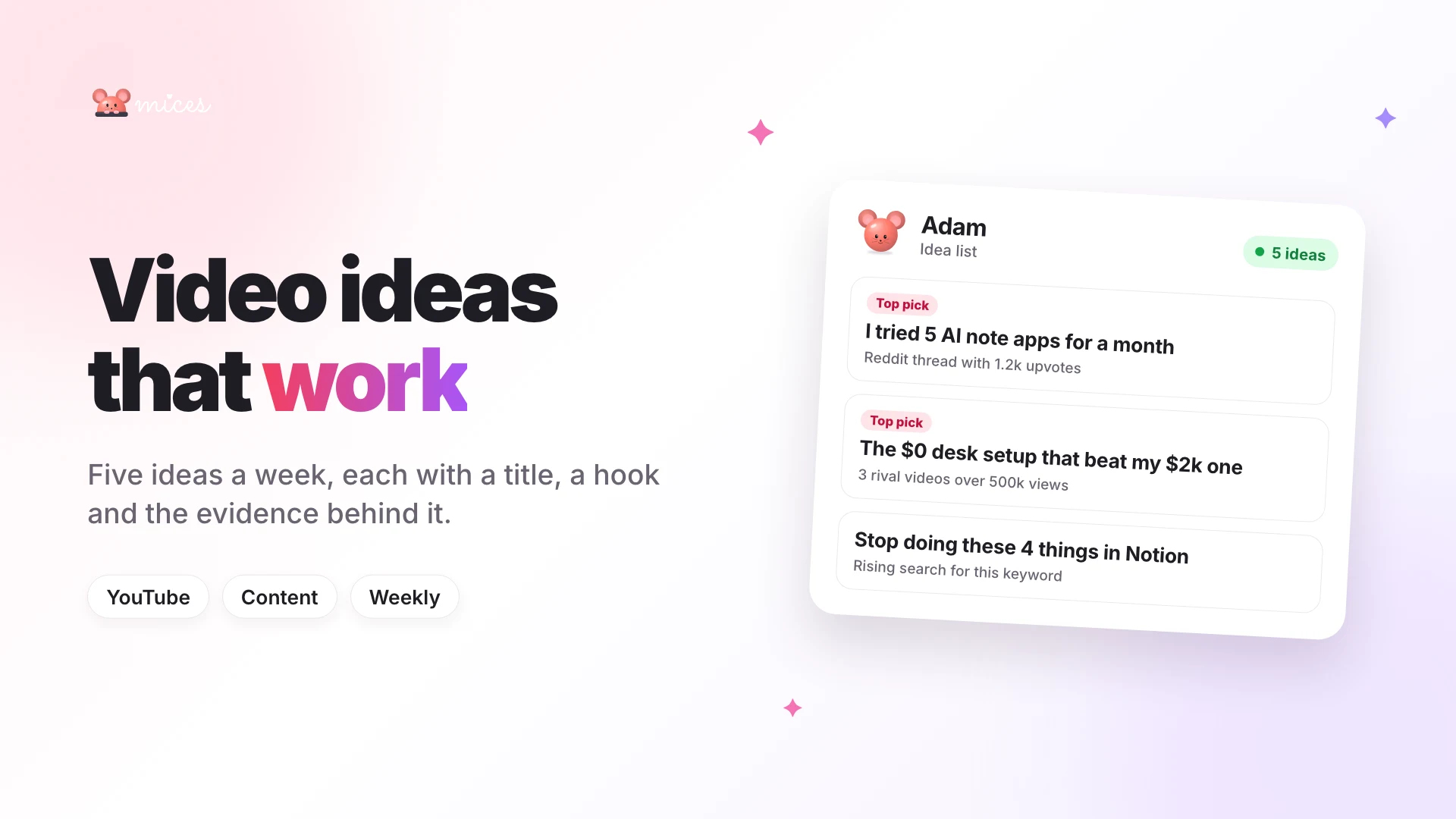
- Pair this with Adam's YouTube video ideas if you want a full content calendar across platforms.
Questions people ask
Do I need to connect any apps?
No, just your brand name and website. A logo is optional.
What format are the carousels?
1080 by 1350 PNG slides, plus a ready LinkedIn PDF.
Will I get the same design twice?
No, the daily schedule keeps hooks and designs from repeating.
Does David write captions too?
Yes, ready to post captions for X, LinkedIn and Instagram, plus alt text, come with every carousel.
How is this different from using a template tool myself?
A template tool still needs you to pick a design and write the caption every day. David researches current Pinterest trends and writes the captions, so you only need to review and post.