Find Instagram creators for your brand
Chloe researches Instagram creators in your niche, checks follower range and activity, and saves vetted profiles with contact details to a growing Google Sheet.
Finding Instagram creators who could promote your brand usually means scrolling through hundreds of profiles. Chloe, an AI teammate in Mices, researches creators, checks whether they fit your requirements, and saves their details to a Google Sheet, so you get a vetted list instead of a guessing game.
Why basic checks matter before you reach out
A creator can look like a fit from their bio alone and turn out to be inactive or outside your niche. Chloe checks follower range, activity in the last 30 days and niche relevance for every profile, and flags anything that needs a closer look, so you're not wasting outreach on accounts that won't respond.
What you need
- Your brand, niche and the creator size you want
- Google Sheets connected, where vetted creators are saved
- An Instagram login, optional, for extra detail on the cloud computer
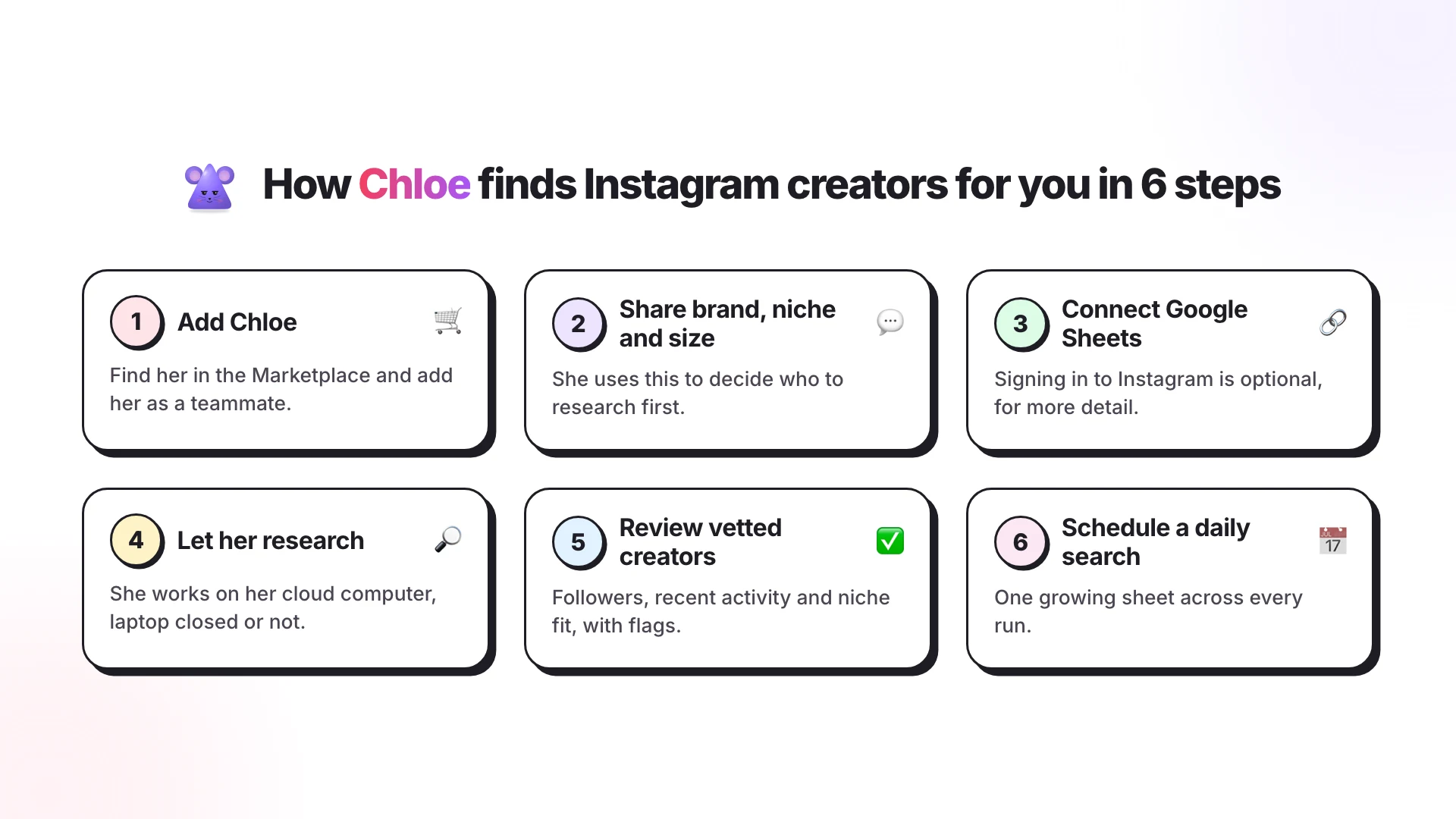
- 1
Add Chloe to your workspace
Find Chloe in the Mices Marketplace and add her as a teammate.
- 2
Tell Chloe your brand, niche and creator size
She uses this to decide who to research first.
- 3
Connect Google Sheets
Signing in to Instagram on the cloud computer is optional, for extra detail.
- 4
Let Chloe research
She works on her own cloud computer, so research keeps going even if you close your laptop.
- 5
Review vetted creators
Each profile is checked for follower range, activity in the last 30 days and niche relevance, with flags on anything that needs a closer look.
- 6
Schedule a daily creator search
One growing Google Sheet across every run, instead of a new list each time.
Find Instagram creators in my niche
Make it run on its own
Schedule Chloe to run daily so new creators keep arriving. Reach out with DMs and emails using another mouse once you've picked who to contact.
Tips for better results
- Define your niche narrowly at first, then widen it if the results feel too broad.
- Prioritize creators flagged as highly active in the last 30 days.
- If you're also looking at YouTube, see how Lisbon finds YouTube affiliates.
Questions people ask
Do I need to connect Instagram?
No, it's optional. Connecting it just adds detail Chloe can check directly.
What does Chloe check for each creator?
Follower range, activity in the last 30 days and niche relevance, with public contact details when available.
Will my sheet fill up with duplicates?
No, it's one growing sheet across every run, not a new list each time.
Does Chloe message creators for me?
No, Chloe finds and vets creators. Reaching out is a separate step, which another mouse can help with.
How is this different from Instagram's own explore or search tools?
Instagram's tools surface accounts by hashtag or similarity. Chloe also checks activity and niche fit and flags anything uncertain, which takes real review to do by hand.