Find Instagram leads for your SaaS with AI
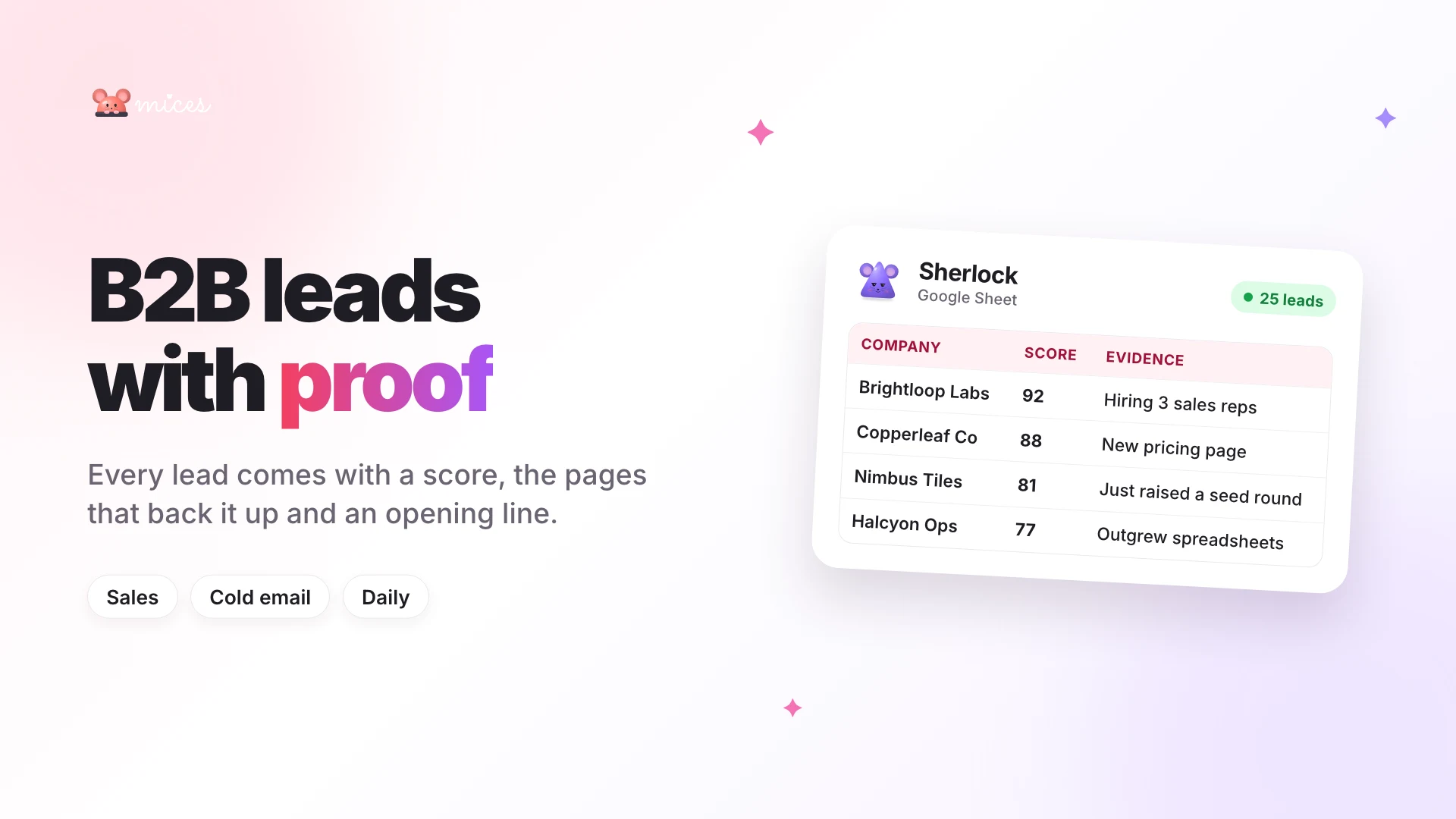
Mr. S reads your website, works out who your best customers are, and finds matching Instagram accounts with a clear buying signal for each one, saved to a Google Sheet.

Finding Instagram leads for your SaaS by hand means scrolling through hundreds of profiles with no reliable way to tell who is actually a fit. Mr. S, an AI teammate in Mices, reads your website, works out who your best customers are, and finds matching Instagram accounts, each with the buying signal that makes it a good lead. Everything lands in a Google Sheet, ready to review.
Why Instagram leads need a buying signal, not just a follower count
A large following does not tell you whether an account would actually buy your product. Mr. S looks for a specific reason each account might need what you sell: a job title in the bio, a recent post about a problem your product solves, or a business type that matches your customer profile. That reasoning is what turns a random profile into an actual lead.
What you need
- Your product or website link, so Mr. S can read it and work out who your customers are
- A Google account for Google Sheets, where leads are saved
- 1
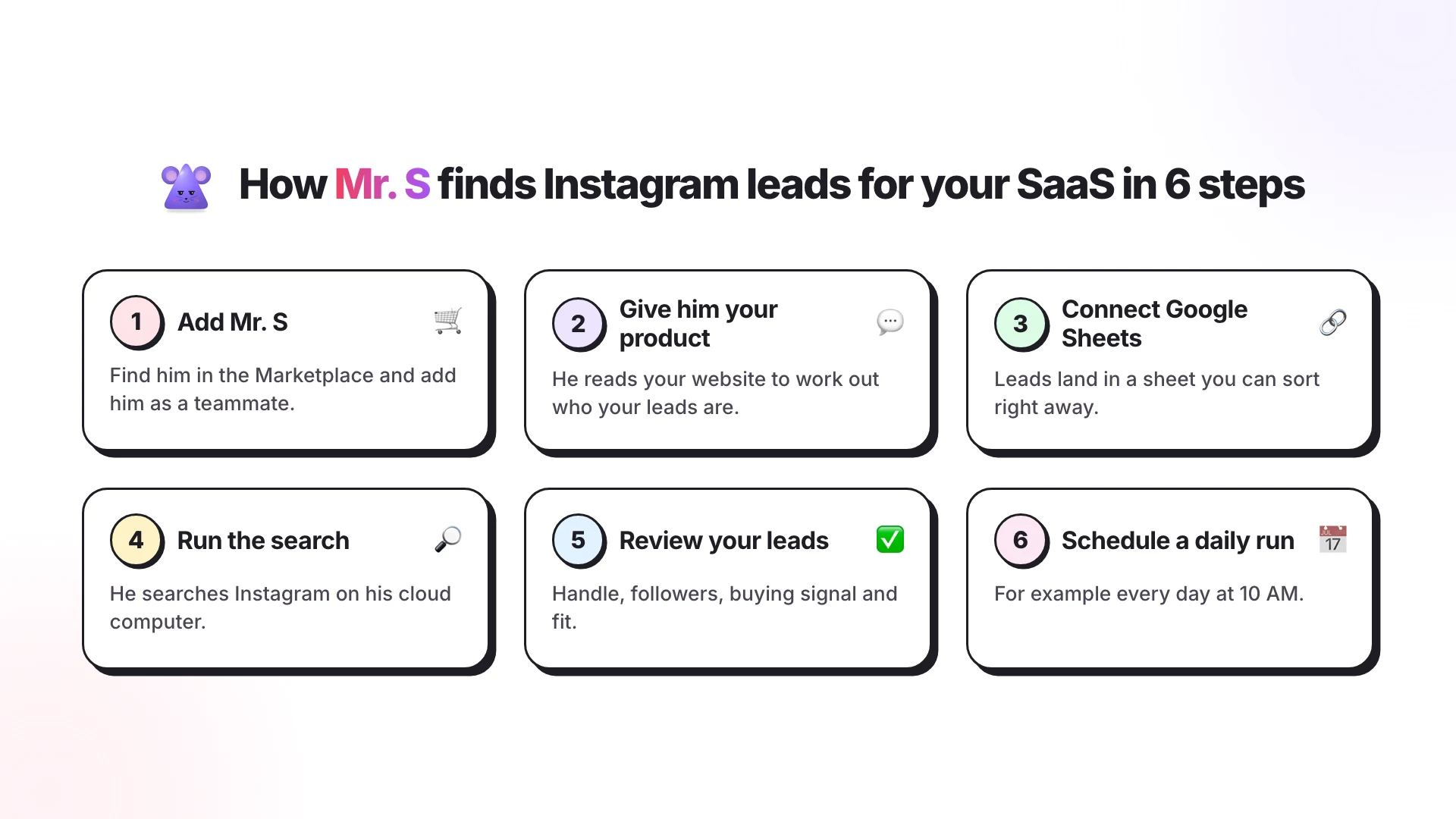
Add Mr. S to your workspace
Find Mr. S in the Mices Marketplace and add him as a teammate.
- 2
Give Mr. S your product
Tell Mr. S about your product. He reads your website on his own cloud computer to work out who your leads are: founders, small teams, agencies and more.
- 3
Connect Google Sheets
Connect Google Sheets in one click so leads land in a sheet you can open and sort immediately.
- 4
Run the search
Mr. S researches Instagram on his cloud computer and saves every lead to a new Google Sheet as he finds them.
- 5
Review your leads
Check handle, followers, the buying signal and fit strength (strong or moderate), plus contact info when it's publicly available.
- 6
Schedule a daily run
Set Mr. S to run every day, for example at 10 AM, so new leads keep arriving without you asking again.
Find leads from Instagram for my SaaS
Make it run on its own
Schedule Mr. S for a daily 10 AM run. Each run adds fresh leads without repeating ones already in your sheet, so the list grows instead of resetting.
Tips for better results
- Describe your ideal customer as specifically as you can. "Small SaaS founders" works better than "business owners".
- Check the fit strength column first and start outreach with the strong matches.
- If you also want leads from other platforms, see how Harvey finds LinkedIn leads or Noah finds Facebook groups.
Questions people ask
Does Mr. S message leads for me?
No, Mr. S finds and qualifies leads. You decide how and when to reach out.
What does "fit strength" mean?
It's Mr. S's read on how closely the account matches your ideal customer: strong or moderate.
Do I need to connect Instagram?
No, Mr. S researches public Instagram information on his own cloud computer.
Can I change who counts as a good lead?
Yes, update your product description or target customer details and Mr. S adjusts future runs.
How is this different from Instagram's own search?
Instagram search finds accounts by keyword or hashtag. Mr. S also reads each profile for a specific buying signal and scores how strong the fit is, which search alone does not do.