Find remote jobs that match your skills with AI
Remote Job Finder checks career pages and hiring platforms every day, verifies each posting, and keeps only the roles that match your skills in a Google Sheet tracker.

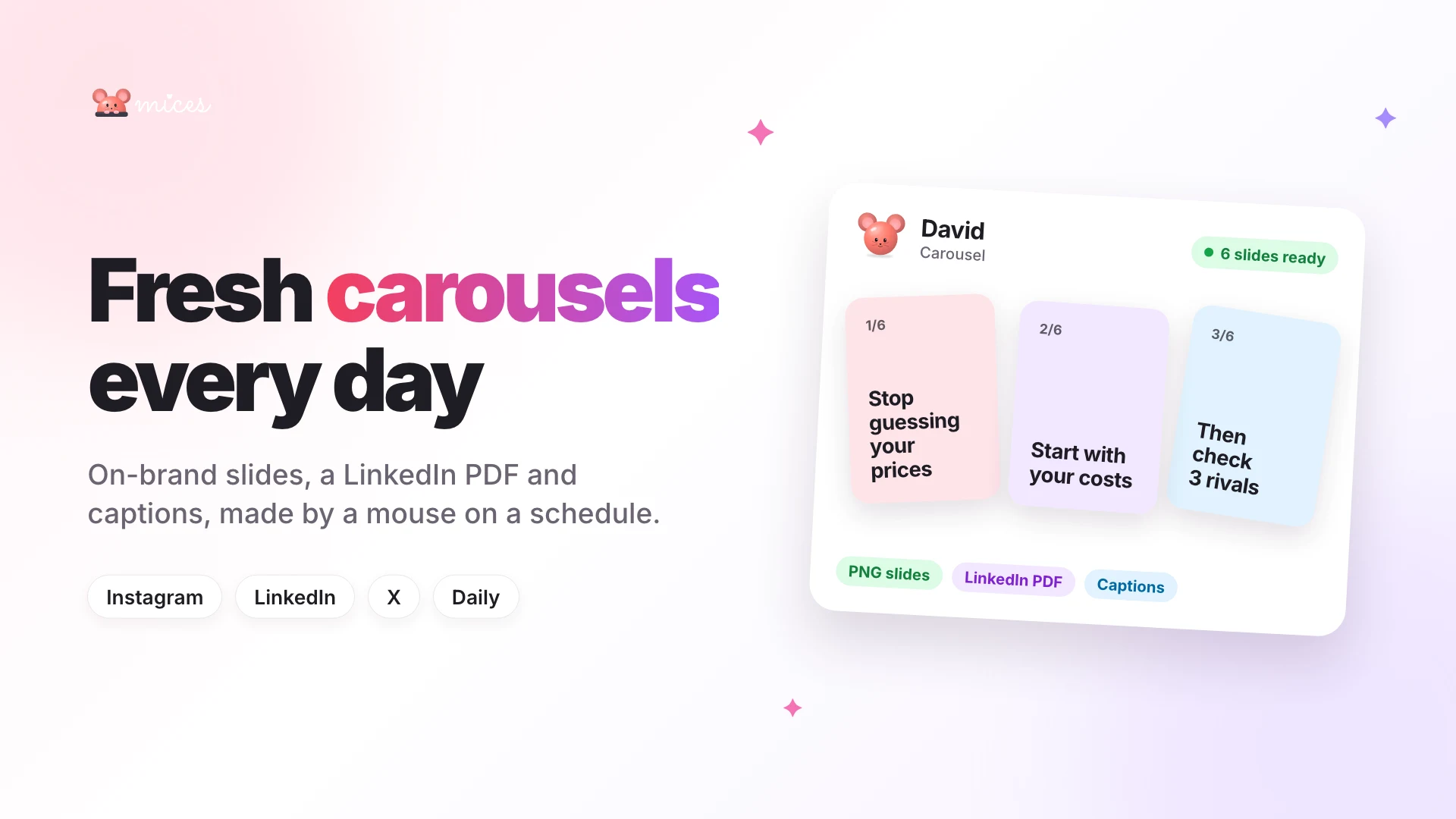
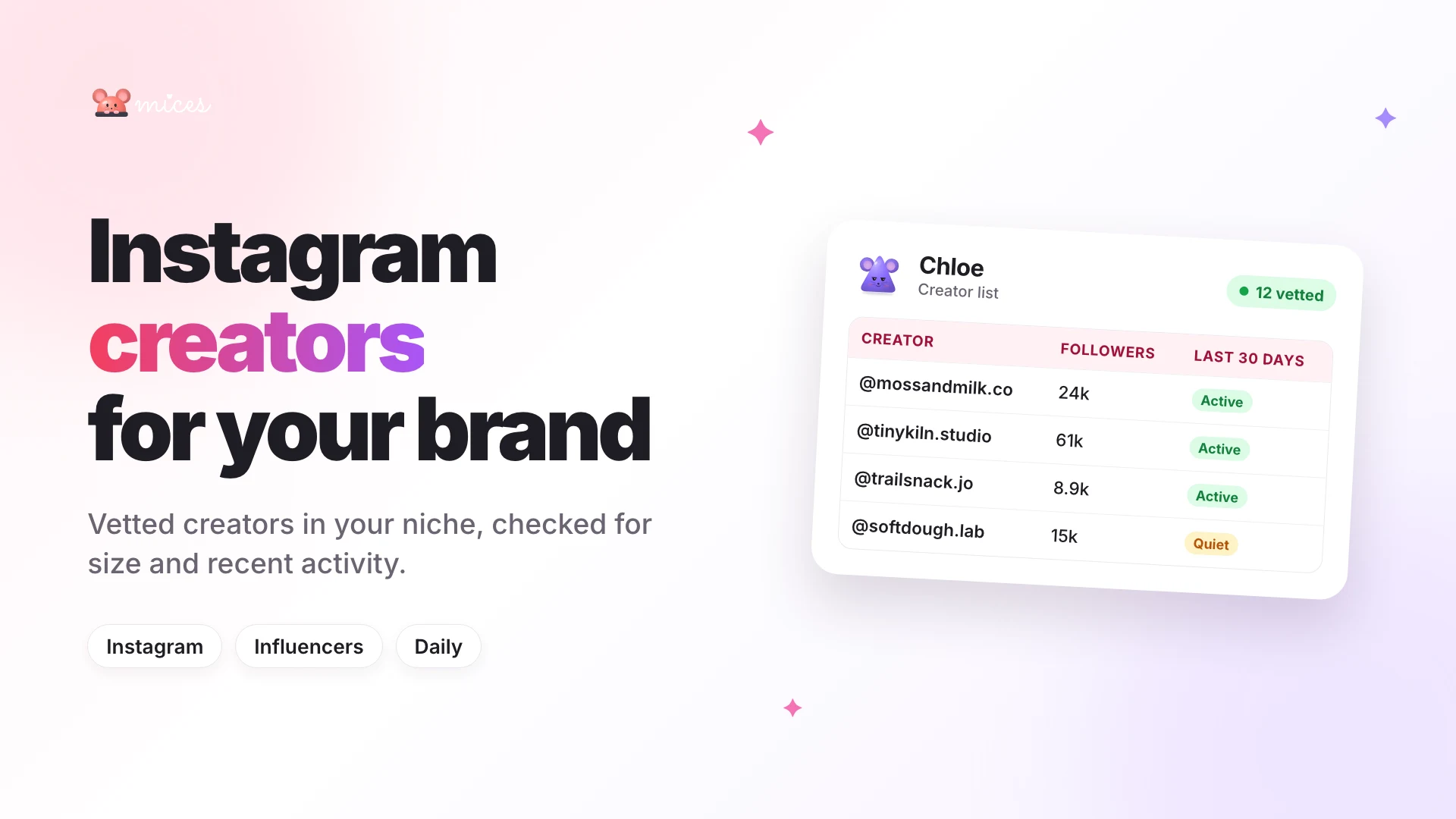
Checking career pages and job boards every day for new remote openings takes time you would rather spend applying. Remote Job Finder, an AI teammate in Mices, searches company career pages and hiring platforms, verifies each posting, and keeps the roles that match your skills in your own job tracker. It can also draft tailored application emails for you to review.
Why verified listings matter more than another job board
Most job boards show postings that were taken down weeks ago, which wastes time on dead links. Remote Job Finder checks that a posting is still live on the company's own career page before adding it to your tracker, so what you see is current, not stale.
What you need
- Your target role, seniority and skills, so it knows what to search for
- Google Sheets, Gmail and Google Drive connected, for the tracker, draft emails and resume
- A resume to upload, optional, used to tailor application emails
- 1
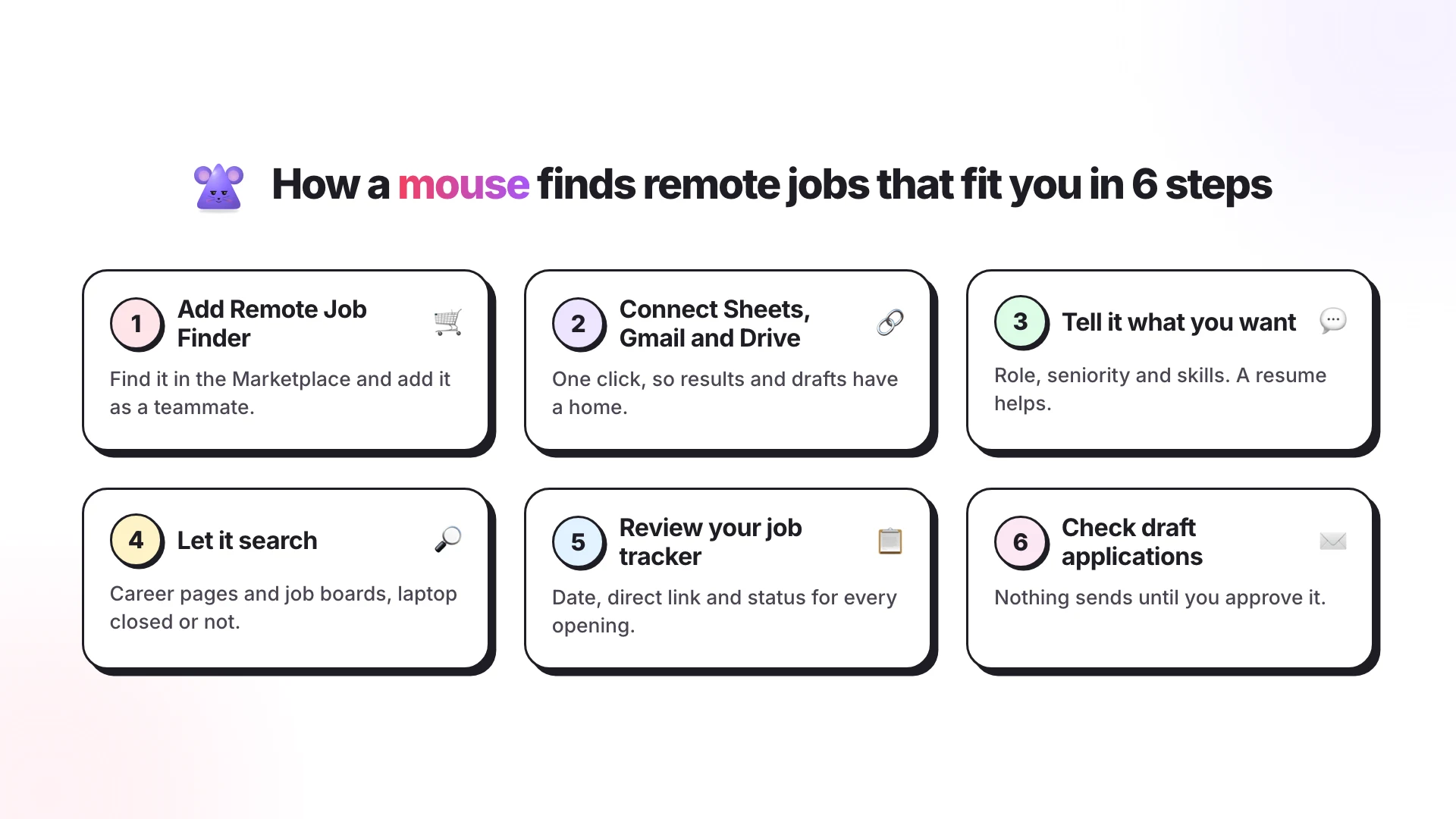
Add Remote Job Finder to your workspace
Find it in the Mices Marketplace and add it as a teammate.
- 2
Connect Google Sheets, Gmail and Drive
Connect all three in one click so results, resumes and draft emails have somewhere to go.
- 3
Tell it what you're looking for
Share your target role, seniority and skills. Uploading a resume is optional but helps it tailor application emails to each posting.
- 4
Let it search
It checks company career pages and hiring platforms on its own cloud computer, even while your laptop is closed.
- 5
Review your job tracker
Open the Google Sheet to see posting date, direct job link and applied status for every verified opening.
- 6
Check draft applications
Tailored application emails wait as Gmail drafts. Nothing sends until you review and approve them.
Find new remote jobs for me
Make it run on its own
Schedule a daily 9 AM job sweep so new openings are waiting in your tracker every morning, without repeating postings you've already seen.
Tips for better results
- Be specific about seniority. "Senior backend engineer, remote, US time zones" narrows results more than "software job".
- Upload a current resume so draft application emails reference real experience instead of generic phrasing.
- Check the applied status column before you reach out so you don't contact the same company twice.
Questions people ask
Does it apply to jobs for me?
No. It drafts tailored application emails in Gmail, but nothing is sent until you review and approve it.
Do I have to upload a resume?
No, it's optional. It just helps tailor the draft application emails.
Where do the job listings come from?
Company career pages and hiring platforms, checked and verified before being added to your sheet.
Can I run it just once instead of daily?
Yes, you can run it on demand or set a daily schedule. It's your choice.
How is this different from setting up job alerts myself?
Job alerts just forward raw postings. This checks each one is still live, matches your specific skills and seniority, and drafts a tailored application, which alerts alone don't do.