Automate your social media with AI agents
Let AI agents find ideas, write posts in your voice, design carousels and run on a schedule, while you approve every post before it goes out.

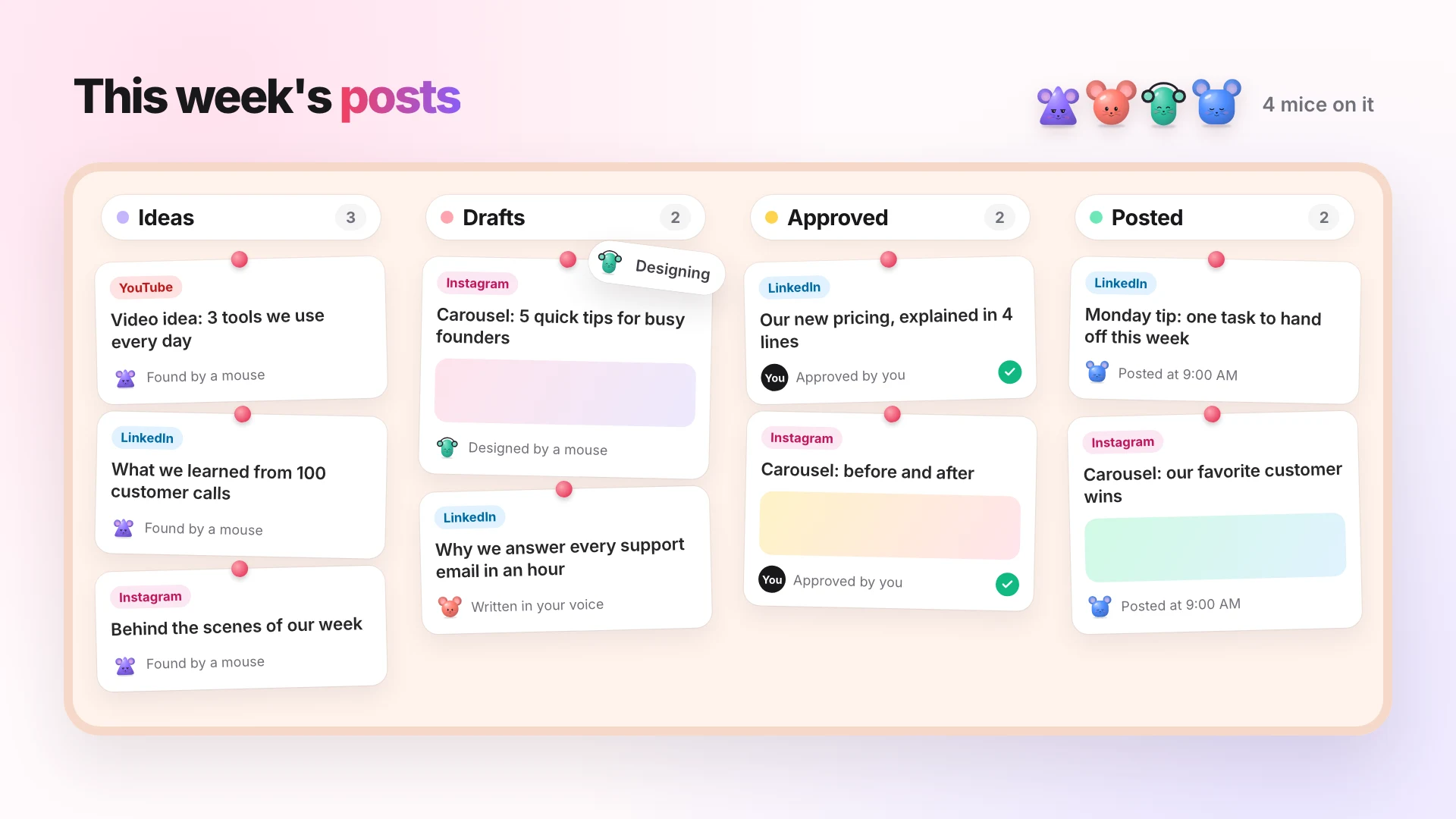
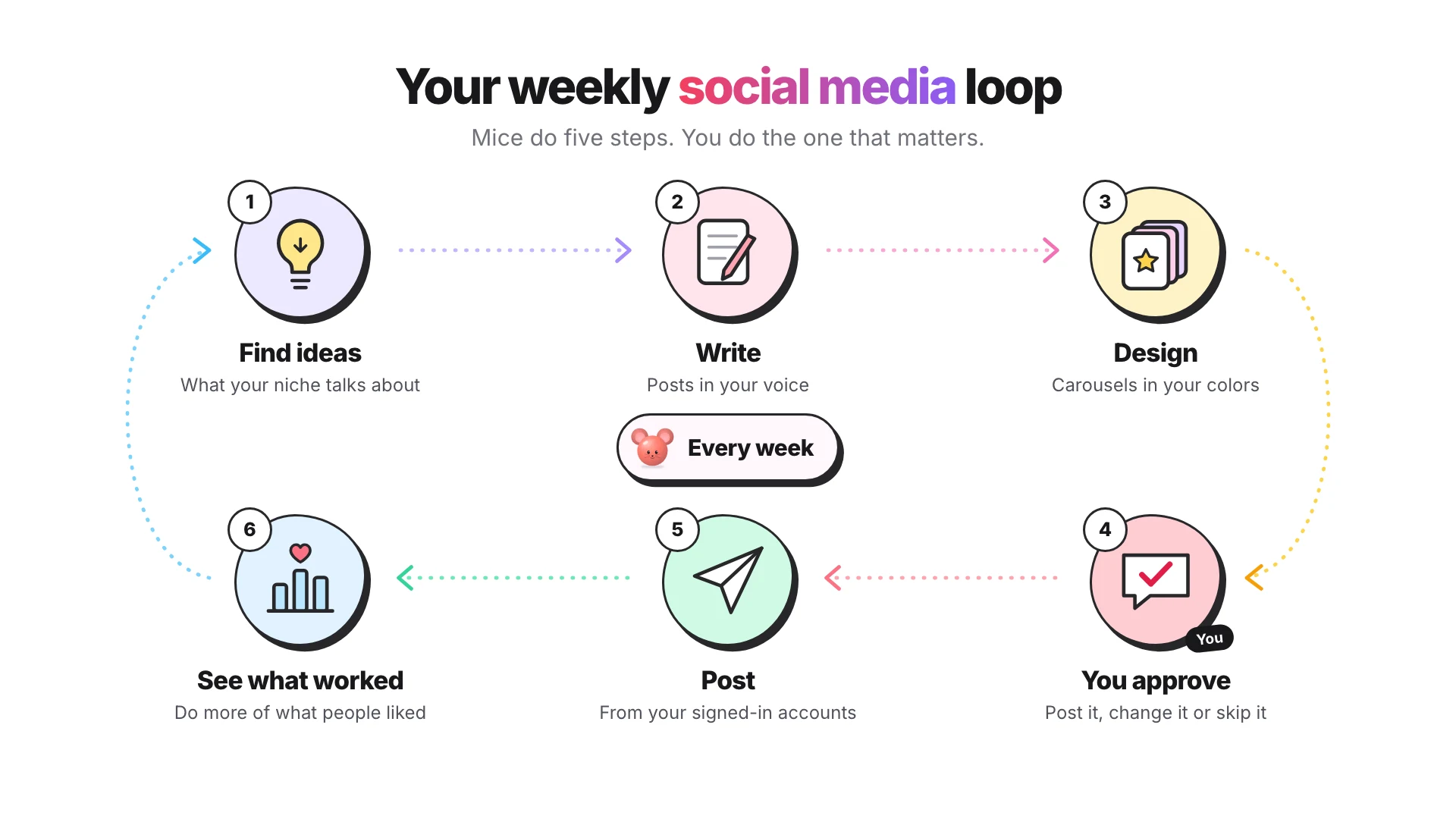
You can automate social media with AI agents and still sound like yourself. In Mices, AI helpers called mice find ideas, write posts in your voice, design carousels and get everything ready on a schedule. You look it over and say yes before anything goes out.
This guide shows which parts of social media to hand over, which mice to start with, and how to keep the whole thing running every week without it turning into a robot account.
What parts of social media can AI agents do?
Most of the work behind a good post happens before you press Post. That's the part mice are best at:
- Finding ideas. Looking at what people in your niche are talking about right now, with real examples behind each idea.
- Writing posts. Captions and posts in your voice, for each platform.
- Designing visuals. Carousel slides and post graphics in your brand's colors.
- Finding creators. Building a list of people who could promote you, with the checks already done.
- Getting it ready on time. Running every day or every week, so there's always something waiting for you.
- Posting. From your own accounts, in a browser where you're signed in, once you've approved it.
A few things are worth keeping for yourself: the final yes on every post, and the replies and messages where people expect a real person. A mouse can draft those too, but your followers can tell when you show up yourself.
Which mice should you start with?
You don't have to build these from scratch. These mice are ready in the Mices Marketplace, and each one has a full walkthrough with a video.
David designs your carousels
David looks at carousel designs that do well on Pinterest, then makes new ones in your brand's style. Each run gives you 1080 by 1350 PNG slides, a LinkedIn PDF, and ready-to-post captions for X, LinkedIn and Instagram, with alt text. He only needs your brand name and website. See how to automate your social media carousels.
Steve writes and designs your LinkedIn posts
Steve researches your brand, your customers and your offer, then designs post graphics and writes captions to match. Nothing saves to Google Drive until you approve it, and a Google Sheet keeps track of what you picked. Here's how to automate your LinkedIn posts with AI.
Adam finds video ideas people want
Adam studies your channel or website and your niche, then gives you 5 ideas with the top 3 flagged. Each one has a working title, a hook, a 1 to 5 score and a reference video, so you know there's real demand before you film. Learn how to get YouTube video ideas backed by evidence.
Chloe and Lisbon find creators to work with
Chloe checks Instagram creators for follower range, activity in the last 30 days and fit with your niche, and saves them to one growing Google Sheet. Lisbon does the same for YouTube, ranks channels by how well they fit your product, and adds a pitch angle for each. See how to find Instagram creators for your brand and find YouTube creators to promote your product.
How do you keep posts sounding like you?
AI posts sound generic when the AI knows nothing about you. So tell your mice what makes your brand yours:
- Who you help and what you sell. A specific offer gives every caption something concrete to say.
- Posts you love. Paste a few of your best posts, or ones from people you admire, and say what you like about them.
- Words you never use. If "excited to announce" makes you cringe, say so once.
Save all of this in a short Brand file and give it to your mice, so you only explain it once. When a draft misses, don't start over. Ask for a change, like "less text on the image" or "shorter, and end with a question". Review a full week of drafts before you put anything on a daily schedule.
Can you approve every post before it goes out?
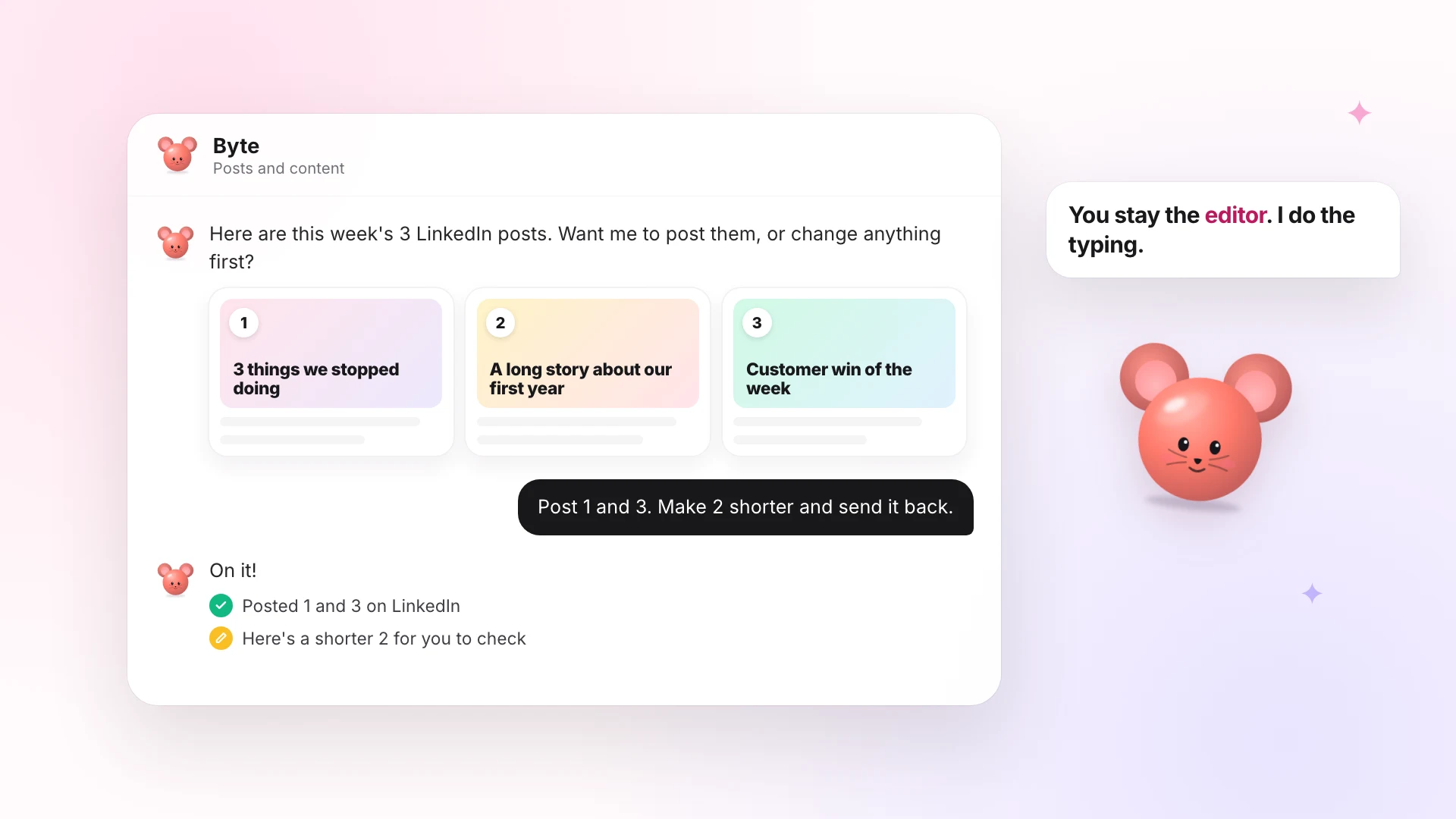
Yes. Just say so in your message or in a note you give the mouse: "show me each post before you share it." The mouse brings the drafts to the chat, and you answer the way you'd answer a teammate: "post 1 and 3, and make 2 shorter."
- Some mice work this way already. Steve never saves a post until you approve it, and Lisbon always waits for your yes before she starts a creator search.
- You can watch and stop. Watch a mouse work live and stop it any time.
- Big changes get a card. Before anything that's hard to undo, like deleting things, a mouse shows an approval card and waits for you.
How do mice post from your own accounts?
Posting happens in a browser where you're already signed in, just like when you do it yourself. You have two choices:
- The cloud computer. Your workspace's cloud computer has a browser that stays signed in. Sign in to your accounts there once, and mice can post any time, even while your laptop is closed.
- Your own spare computer. On the Business and Agency plans, mice can use the Chrome you're signed in to on a Mac mini or an old laptop. Read how to run AI agents on a Mac mini or an old laptop.
If a site asks for a sign-in or a code, the mouse stops and asks you instead of guessing.
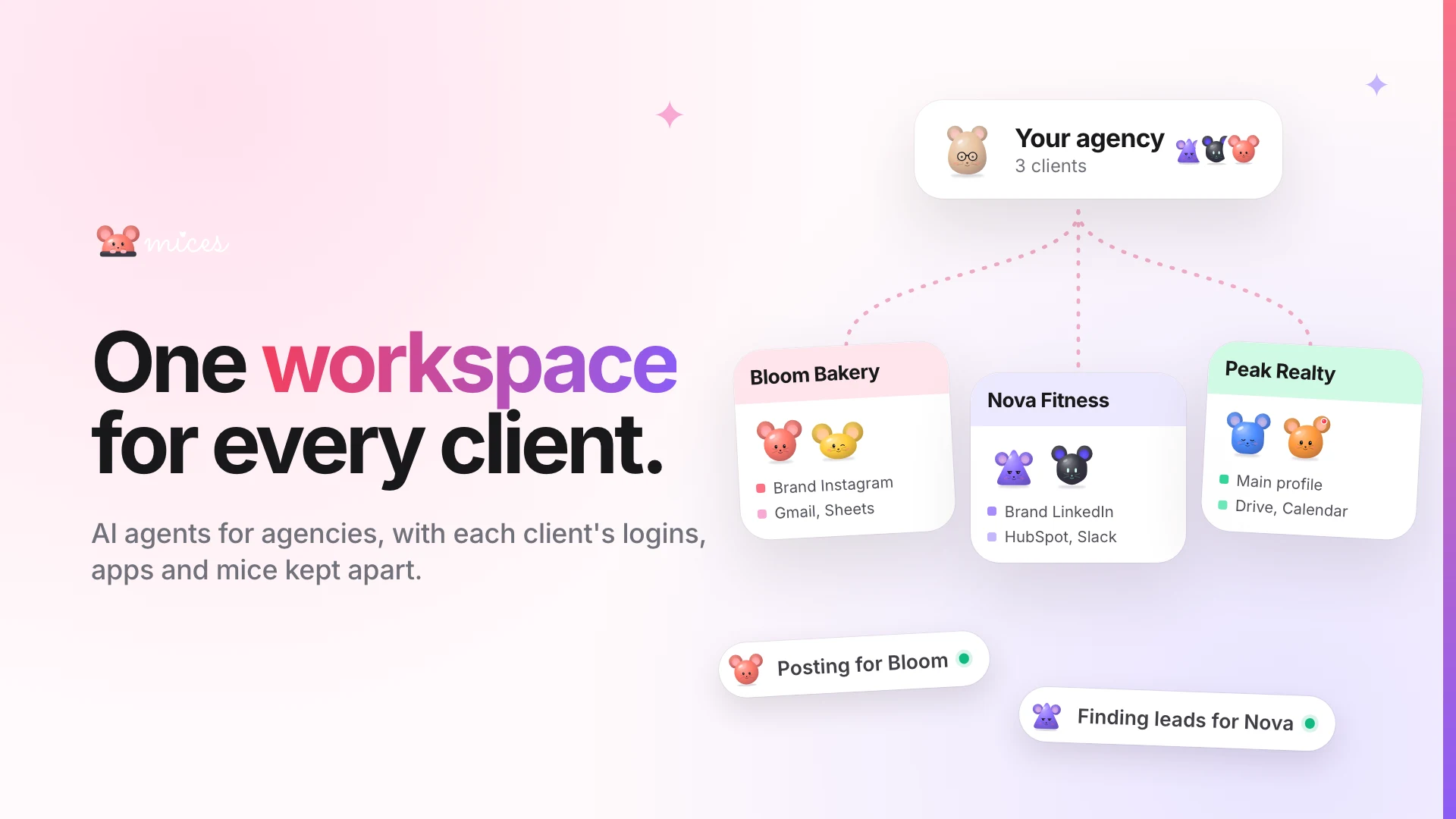
Running more than one brand? Each workspace can keep its own browser profiles on its computer: 1 on Solo and Growth, 2 on Business and 5 on Agency. That way each brand's accounts stay in their own profile.
How to set up your weekly social media loop
Here's the simplest way to get going. It takes one sitting, then it runs on its own.
- 1
Add the mice you need
Open the Marketplace in Mices and add one or two mice, like David for carousels and Steve for LinkedIn. Start small.
- 2
Tell them about your brand
Share your website, who you help and what you sell. Paste a few posts you like so they learn your voice.
- 3
Connect where the work goes
Connect Google Drive and Google Sheets if you want posts saved to a folder and tracked in a sheet. Some mice, like David, need no apps at all.
- 4
Run it once and review
Ask for this week's posts and look them over. Ask for changes until they sound right.
- 5
Put it on a schedule
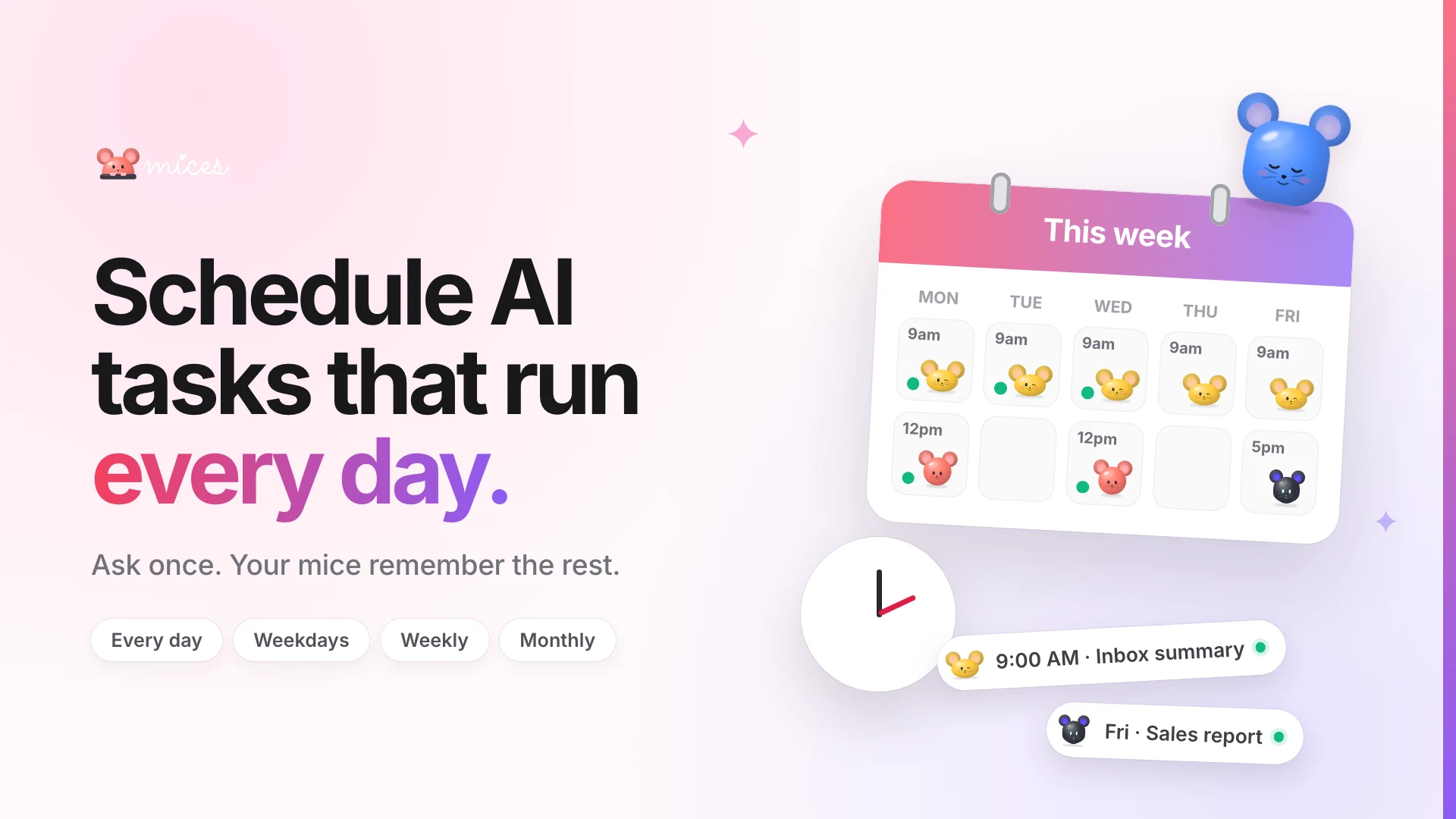
Ask the mouse to run every day, every weekday or every week (more on scheduling AI tasks). You can change the time later from the task's details with Change time.
Every Monday at 9am, look at what people in my niche are talking about this week and suggest 5 post ideas for LinkedIn and Instagram. Write each post in my voice, using the notes in my Brand file. Design a carousel for the best idea, and save everything to my Social folder in Google Drive. Show me the posts before you share anything.
How often should it run?
Match the schedule to how often you post. Here's what works for the mice above:
| Job | A good schedule | What you get |
|---|---|---|
| Carousels | Every day | Fresh slides and captions, without repeating hooks or designs |
| LinkedIn posts | Every weekday at 9am | Posts waiting for your approval each morning |
| Video ideas | Every week | 5 new ideas backed by evidence |
| Creator search | Every day | New creators added to the same sheet |
If a mouse is still busy in that chat when the time comes, the scheduled task waits its turn instead of being skipped.
Questions people ask
Can AI agents post to social media for me?
Yes. Mice post from a browser where you're signed in, on the cloud computer or on your own spare computer. Ask them to show you every post first, and they will.
Can mice post on X (Twitter)?
X can't be connected as an app in Mices right now, because of X's API rules. Mice can still write your X posts and captions for you, like the ones David makes with every carousel.
Will the posts sound like me?
They will once your mice know you. Tell them who you help, paste posts you like, and ask for changes when a draft misses. Put it all in a Brand file you give your mice, so you only explain it once.
Do I need to connect any apps?
Not always. David needs only your brand name and website. Mice like Steve and Chloe use Google Drive and Google Sheets to save posts and keep track of results.
Can I manage social media for several brands?
Yes. Give each brand its own workspace with its own browser profiles, so logins stay apart, the way agencies run one workspace per client. Workspaces keep 1 browser profile on Solo and Growth, 2 on Business and 5 on Agency. See the plans.